Step 1: How to Pick Your Exact Model & Storage?
Select your 2026 flagship model, color, and storage combination in 3 steps. Each exact combination has its own Apple part number.
Find nearby Apple Stores for your exact iPhone configuration. Subscribers can request five-second stock checks and receive email or browser alerts when monitoring capacity is available.
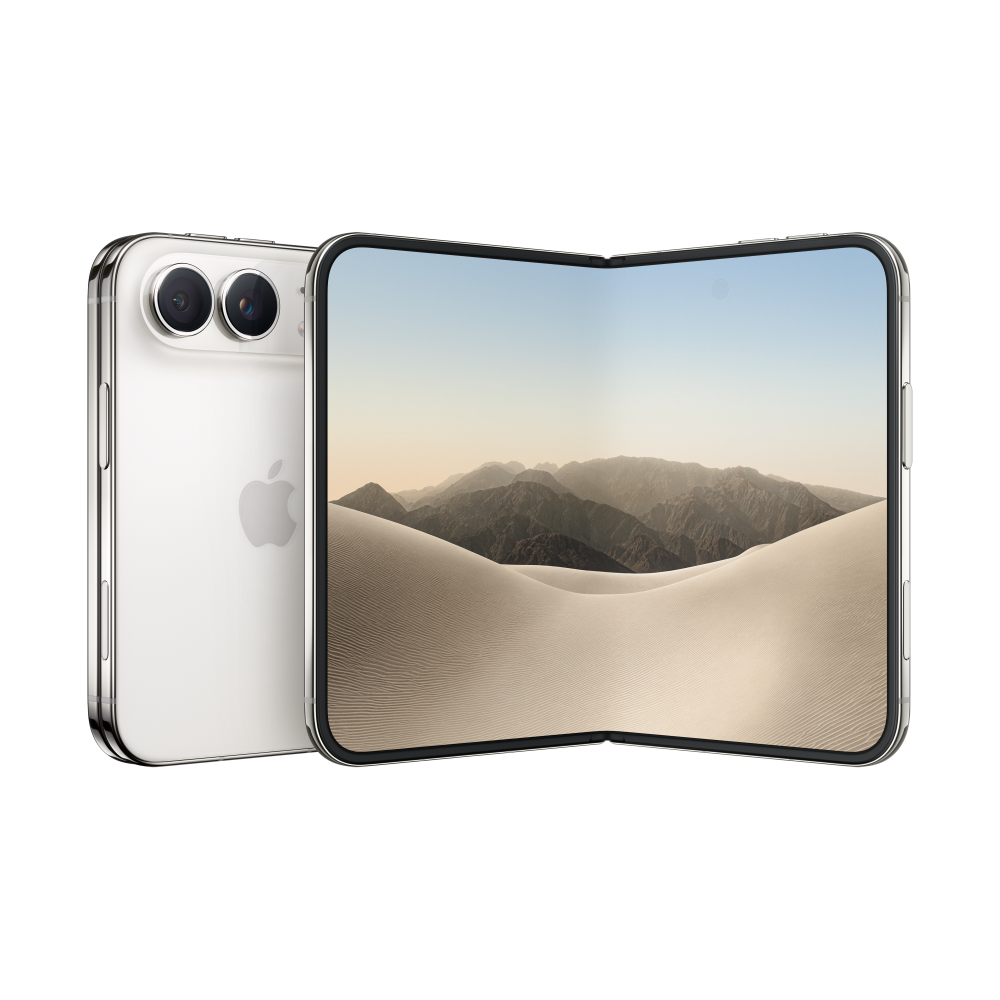
Choose an exact configuration and nearby stores. Monitoring starts after subscription and capacity checks are complete.
Subscriber monitoring follows your exact device configuration at the stores you select. Choose a model, find stores, then set up an alert when monitoring capacity is available.
Select your 2026 flagship model, color, and storage combination in 3 steps. Each exact combination has its own Apple part number.
Select up to 5 nearby Apple Stores for your alert. Pickup availability is specific to each retail location.
Subscribers can receive email and browser push alerts after a monitored store reports availability. Delivery time varies by network and notification service.
Enter an Apple part number and store number to query our iPhone Duo stock checker database. Confirm availability directly on Apple before making a purchase.
Confirm current availability and reserve pickup directly on Apple.com.
Explore device families, then narrow by model, color, storage, and Apple Store. Subscriber observations and alerts will connect those details when monitoring opens.
Enter an Apple part number and store number to query our iPhone Duo stock checker database. Confirm availability directly on Apple before making a purchase.
Check stock observationsChoose a device family to learn which configuration and store details a pickup check needs. Device-specific pages are planned.
Subscriptions opening soonPlans start at $5 per month for five-second stock checks and restock alerts at selected Apple Stores, subject to available monitoring capacity.
Subscriptions opening soonChoose a device family to learn which configuration and store details a pickup check needs. Device-specific pages are planned.
Plans start at $5 per month for five-second stock checks and restock alerts at selected Apple Stores, subject to available monitoring capacity.
2 simultaneous product alerts
5 simultaneous product alerts
10 simultaneous product alerts
After you subscribe and monitoring starts, the checker polls your selected device and stores on a five-second cycle. A confirmed change from unavailable to available queues an email and browser alert. Delivery time varies.
Pickup and delivery availability can differ. Tracking nearby stores helps you notice when your exact configuration becomes available for pickup, subject to Apple's current checkout availability.
Availability can change at any time. We do not publish a fixed restock schedule; check the latest observed time and confirm with Apple.
Popular configurations may disappear quickly, but the time varies by model, store, and demand. An alert does not reserve the product for you.
Immediately open the official Apple Store app or website, navigate to your exact device configuration, select 'Pick Up in Store', choose the alerted store, and complete checkout to lock in your reservation.
Yes. Our standard subscriber plans allow you to monitor up to 5 nearby Apple Stores simultaneously for your exact model, color, and storage combinations.
Yes. RestockCheck covers Apple Store pickup locations across 25+ countries worldwide, including the United States, Canada, the United Kingdom, Australia, Germany, Japan, Singapore, and Hong Kong.
No. RestockCheck is an independent inventory tracking utility and is not affiliated with, endorsed by, or sponsored by Apple Inc. All Apple trademarks belong to Apple Inc.
Availability may change during checkout. Recheck the official Apple Store page and try another nearby store or configuration if your first choice is gone.
Trade-in options depend on Apple's current checkout and store policies. Check the official Apple Store instructions for your location before reserving pickup.
Prepare your device choice and nearby stores before an alert arrives, then confirm pickup availability directly with Apple.
Check that your Apple account, payment method, billing address, and contact details are ready before you try to reserve pickup.
Include nearby alternatives so you can check another store if your first choice is unavailable.
Read the observed time, exact configuration, and store number. An alert is an observation, not a reservation.
Open Apple's official checkout to confirm current availability and pickup terms before travelling.